Orders 
Ibexa DXP provides a list of all orders in eCommerce > Order Management.
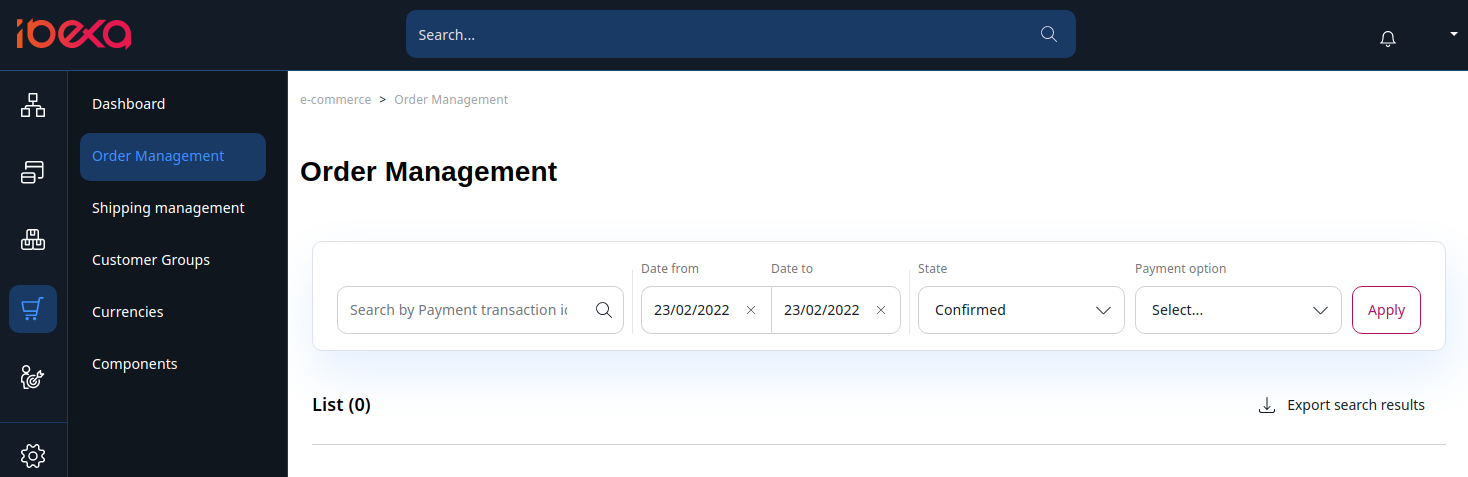
You can check, filter and export all orders that were processed in the shop. Additionally, you can see the invoice that was automatically generated by the shop for the order.
Available filters
You can filter orders using the following criteria:
- Transaction ID
- State:
- Confirmed
- Payed
- New - baskets which are not yet sent
- Offered - baskets in the payment process
- Approval - orders using an approval workflow
- Rejected - orders refused by the approver
- Date
- Payment option
Order list
- Basket ID - ID of the basket stored in the database
- Date - date and time this basket was last modified
- Customer name
- Shop
- Total - total amount from the basket including VAT and shipping costs
- State - state of the basket
- Invoice
For each order you can view the detail or delete it.